
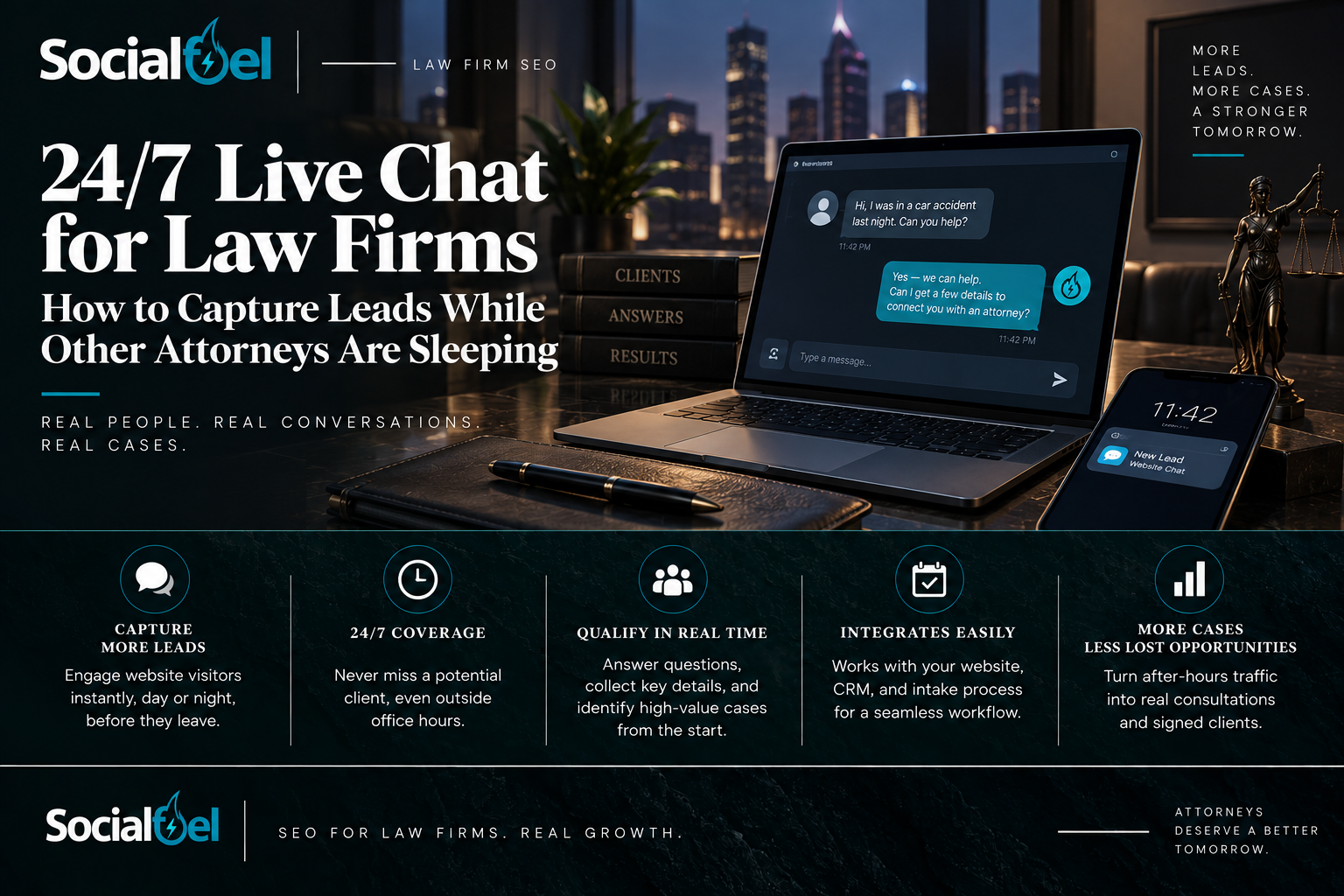
Imagine a prospective client reading your practice-area page at 10:45 p.m. They have one question before deciding whether to contact the firm. The office is closed, they do not want to make a call, and the contact form offers no indication of what happens next. A useful chat conversation can give that visitor a clear path forward without requiring an attorney to stay online all night.
24/7 live chat for law firms is an intake channel that can acknowledge visitors, collect limited initial information, and route requests outside normal office hours. Its value comes from the complete process: an accurate response, a sensible screening conversation, and follow-up by the right person. A chat icon alone does not provide that process.
The objective is not to replace legal judgment with a chatbot. It is to make the first step easier while preserving the firm’s control over advice, conflicts, appointments, and acceptance of representation.
The distinction that matters: Round-the-clock intake is not round-the-clock attorney availability. A captured chat is not a qualified lead, and a qualified lead is not a signed case.
Why responsiveness deserves attention before more ad spend
Clio’s 2024 research used a third-party company to contact 500 law firms by phone and email. Only 40% picked up when called, and just 33% responded to the email inquiry. Overall, 48% were unreachable by phone even after an opportunity to return messages.
These are historical phone-and-email findings, not a measurement of after-hours chat performance or proof that installing chat will increase cases. They do, however, provide a reason to inspect your own intake experience before buying more traffic.
Start with your data: how many visitors arrive after hours, which pages they visit, and what happens to requests received overnight. Test your existing phone, form, and chat routes. If inquiries already disappear between submission and follow-up, adding another channel without assigning responsibility will reproduce the same problem.
Choose the coverage model, not just the widget
Ask a provider what “24/7” means at each stage. Is the automated assistant always available? Are live agents staffed overnight? Can they transfer to your firm, or only request a callback? Confirm holidays, supported languages, queue handling, outages, and any limits in writing. The following comparison is a buying framework, not a promise about every vendor.
Model Useful role What to verify
| Human-staffed chat A person handles the initial conversation using firm-approved instructions. | Staffing hours, training, queue times, language coverage, and escalation rules. |
| Automated chat A configured assistant answers approved administrative questions and collects initial details. | How it identifies itself, what it cannot answer, and what happens when it is uncertain. |
| Hybrid coverage Automation handles routine intake, with a person available for defined situations. | Whether the handoff actually reaches a live agent and whether the conversation history follows. |
Do not describe an automated interaction as a live attorney conversation. Make the participant’s role clear. A firm that offers overnight intake and next-business-day attorney follow-up should communicate exactly that rather than implying immediate legal advice.
Build a first conversation that helps rather than interrogates
We recommend keeping the opening exchange short. W3C’s guidance favors asking only for information needed to complete the process, with clear instructions and labels. [5] A visitor should understand who is responding, why a detail is requested, and what the firm can do next.
An attorney-approved opening might say: “I’m the firm’s intake assistant. I can collect initial details and help arrange follow-up. I can’t provide legal advice. Please avoid sending confidential documents or detailed case information here.” This is an illustrative opening, not a complete legal notice or a substitute for reviewing how the system actually operates.
Begin with the broad matter type, relevant location, urgency, and a safe way to contact the person. Establish whether they are a new inquiry or an existing client. Collect names needed for the firm’s initial conflict-screening process before encouraging a detailed account. Let the responsible attorney determine the appropriate sequence and limits. Duties to a prospective client can arise even when no representation follows.
Use practice-specific questions
A personal injury inquiry may need the general incident type, location, and date. A criminal defense inquiry may need the jurisdiction and whether an upcoming appearance requires prompt review. A family-law inquiry should establish a safe contact method. An immigration inquiry may need the general process and language preference. A business-law inquiry may need the entity names and broad dispute or transaction type.
Those are suggested routing categories, not a case-evaluation script. Do not let an agent or automated assistant calculate legal deadlines, predict outcomes, estimate a settlement, or declare that the firm will take the matter. Identify an issue for attorney review without answering the legal question prematurely.
Make every handoff someone’s responsibility
The overnight transcript should not become another unread email. Assign a primary owner and backup, define which requests need urgent escalation, and decide how the system confirms that staff received the lead. Test the backup when the first person is unavailable.
A practical handoff record includes an internal lead identifier, the time and time zone, contact preferences, broad matter type, general location, approved screening answers, and the next action. Keep the complete transcript in the approved intake system with appropriate access controls; send alerts that point staff to it rather than copying sensitive details into every notification.
Set separate targets for the first automated acknowledgment, the first substantive response, and attorney or intake-team follow-up. An instant greeting does not mean the visitor’s question was handled. Measure each interval, including nights and weekends, rather than reporting only the fastest response.
When scheduling is supported, distinguish a requested appointment from a confirmed one. Verify calendar permissions, time zones, unavailable slots, and confirmation delivery. When nobody is available, provide an honest next step and the firm approved alternative contact route. Do not promise a callback time the team cannot meet.
Test the failure path: What happens if an agent disconnects, a transfer fails, the visitor closes the window, or the assigned staff member never accepts the lead? The fallback is part of the service.
Protect prospective-client information from the first message
Law-firm chat needs safeguards for prospective-client information. ABA Model Rule 1.18 addresses those duties even when no representation follows. A disclaimer does not replace review of the actual interaction under the governing jurisdiction’s rules.
Model Rule 5.3 also addresses reasonable measures and supervision concerning nonlawyer assistance. Have a responsible attorney approve scripts, escalation boundaries, and quality-review procedures for outside agents. Delegating intake should not mean abandoning oversight.
For vendor review, ask who can access transcripts, where they are stored, how long they are retained, whether they are used for model training, and how exports and deletion work. Review subcontractors, incident notification, access permissions, and security controls. Model Rule 1.6(c) calls for reasonable efforts to prevent unauthorized access or disclosure of information relating to representation.
Our recommended default is to collect only what is needed for initial routing and arrange a suitable channel for documents or sensitive discussion. Do not invite medical records, identification numbers, detailed admissions, or privileged documents into the opening exchange.
The attorney should approve confidentiality notices, consent language, and any later telephone, text, or email follow-up. The ABA rules cited here are a framework; applicable state rules and facts control.
Keep chat from making the website harder to use
Test the widget on a phone with the keyboard open. It should not cover the call button, form, navigation, or the content the person came to read. Make it easy to close and reopen. Keep a working telephone number and contact form available as alternatives, including when the chat service fails.
Check keyboard operation, clear input labels, helpful error messages, and confirmation that a message was sent. W3C’s forms guidance is a useful starting point for these controls and notifications. Confirm supported languages with real test conversations; do not treat a language selector as proof of fluent human coverage.
Chat also adds code to the page. Google’s web.dev guidance explains that third-party scripts can slow loading and delay interactions. Compare key pages before and after installation, including on slower mobile connections, and review loading behavior with your developer.
Treat chat primarily as an intake and user-experience improvement, not an automatic ranking boost. Google’s page-experience guidance considers multiple aspects of usability and says good Core Web Vitals do not guarantee top rankings. A widget should support the site you have invested in, not obstruct it.
Track the path from conversation to signed matter
Agree on definitions before the first report. We recommend tracking unique conversations separately from messages, then connecting qualified requests to the firm’s intake record. An existing client asking for an update, a vendor pitch, and a new prospective client should not all count as new business.
Measure Working definition
First substantive response Time to a useful answer or intake question; report automated and human replies separately. Qualified chat lead Unique inquiry that fits approved criteria and includes an authorized follow-up route. Follow-up completed Record both the next contact attempt and whether the team actually reached the person. Consultation and signed matter Separate appointments booked and attended from the firm’s acceptance of representation.
Preserve the known marketing source where the tracking setup permits it. A person may find the firm through organic search, use chat, and later call. Chat is a contact method, not necessarily the source that acquired that visitor. Deduplicate those interactions so one prospective client does not become three reported leads.
Keep personal information out of general analytics. Google Analytics prohibits sending information it can recognize as personally identifiable, including email addresses and personal mobile numbers. Use appropriately designed event data for reporting, and keep transcript content and personal intake details in the approved client-management environment.
Judge the economics without inventing a conversion promise
Consider a hypothetical month in which a $1,000 chat service records 20 qualified inquiries and five attributable signed matters. The service-only cost would be $50 per qualified inquiry and $200 per signed matter. These are illustrative calculations, not SocialFuel results or industry benchmarks.
That calculation excludes advertising, SEO, staff follow-up, software, and the cost of providing legal services. It also does not prove that all five matters are incremental: some people might have called or used a form without chat. Review total unique qualified inquiries across all channels, collected fees, and delivery costs over a suitable period before calling the program profitable.
Launch with a controlled pilot
A sensible first month is an operational test, not a guaranteed growth deadline. Before launch, approve the intake boundaries, access permissions, routing, alerts, and reporting definitions. Test a new inquiry, an existing-client request, a request outside your practice area, and a conversation that requires human escalation.
Then test nights, weekends, mobile screens, and the failure paths. Review sample transcripts with the designated attorney, correct inaccurate answers, and check that follow-up is actually happening. At the end of the pilot, assess service quality, qualified demand, handoff reliability, and cost together. Scale only after the workflow works.
What SocialFuel’s Live Chat for Law Firms includes
SocialFuel’s managed Live Chat for Law Firms is $1,000 per month for websites receiving up to 1,000 unique visitors per month, under our approved service scope. That limit describes website traffic, not 1,000 chats or a promised number of leads. Higher-traffic sites require an upgraded or custom service level.
The service includes chat setup and branding, a practice-specific intake flow, AI responses with live-agent escalation, lead delivery and routing, and supported consultation or conversion paths. Approved firm details, practice areas, qualification questions, and next-step instructions shape the configuration.
Confirm the coverage model, live-agent availability, escalation path, integrations, and any additional charges before launch. Premium integrations, expanded workflows, higher traffic, or additional services can change the required plan or fees. Availability of intake does not mean an attorney is available at every hour, and the service does not guarantee signed cases.
The purchase should close an identifiable gap: visitors who need a response, information your staff needs for follow-up, or after-hours requests that currently have no owner. Connecting those pieces is more useful than installing another tool simply because the site has room for an icon.
Frequently asked questions about law-firm live chat
Does 24/7 chat mean a lawyer answers every conversation?
No. Intake may be handled by an automated assistant, a nonlawyer live agent, or both. Identify who is responding and explain when attorney follow-up is available. Representation and legal advice remain separate from collecting an inquiry.
Will live chat replace our phone line or contact form?
It should provide another usable option, not force everyone into the same channel. Keep existing contact routes available and review whether chat adds unique qualified inquiries or mainly changes how existing demand reaches the firm.
How quickly can we know whether it is working?
You can test responses and routing immediately after setup. Evaluating qualified inquiries and signed matters requires enough activity and follow-up time. Use a defined review period and avoid drawing a revenue conclusion from a handful of chats.
Is the $1,000 plan based on conversations or site visitors?
The approved SocialFuel plan covers websites with up to 1,000 unique website visitors per month. It is not a 1,000- conversation allowance. Confirm how traffic is counted, applicable coverage, and any upgrade requirements during onboarding.
Make the first conversation count
Your website does not need to pretend an attorney is always at a keyboard. It needs an honest, dependable way to help a prospective client take the next step. Clear answers, limited initial data collection, appropriate escalation, and accountable follow-up make that possible.
View SocialFuel’s Live Chat for Law Firms service and buy online. Build the chat experience around your real practice and intake process, then measure the qualified opportunities it helps your team handle.
Sources and service notes
Sources checked September 9, 2026. Clio figures refer to its 2024 study, not a current after-hours chat conversion benchmark. Workflows and calculations are SocialFuel recommendations or labeled examples. Service-specific written terms control scope and fees. Rankings, lead volume, response times, and signed matters are not guaranteed. This article provides marketing and operational information, not jurisdiction-specific legal advice.
[1] Clio, “Are Law Firms Failing at Marketing and Client Engagement?” Findings from its 2024 Legal Trends Report; third-party inquiry study of 500 law firms.
[2] American Bar Association, Model Rule 1.18, “Duties to Prospective Client.”
[3] American Bar Association, Model Rule 5.3, “Responsibilities Regarding Nonlawyer Assistance.”
[4] American Bar Association, Model Rule 1.6, “Confidentiality of Information,” including paragraph (c).
[5] W3C Web Accessibility Initiative, “Forms Tutorial.”
[6] Google web.dev, “Load Third-Party JavaScript.”
[7] Google Search Central, “Understanding page experience in Google Search results.”
[8] Google Analytics Help, “Best practices to avoid sending Personally Identifiable Information (PII).”
[9] SocialFuel, “Live Chat for Law Firms,” approved 2026 service sheet, page 1. Source of the monthly price, visitor limit, service scope, and additional-fee qualifications.